Gesturo · Figure drawing & life drawing app
Stop searching for refs. Just draw.
Your life drawing session, anywhere, anytime.
100% free, forever. Real models. No AI.
Everything you need to improve at figure drawing.
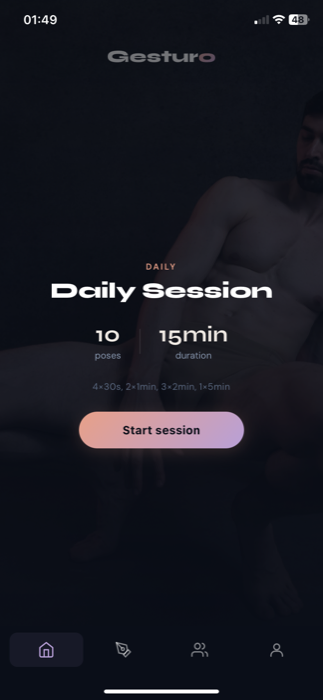
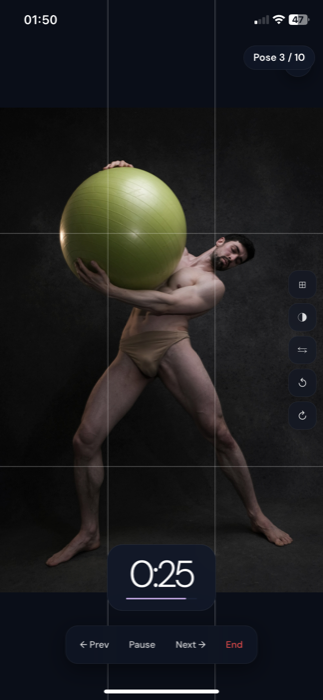
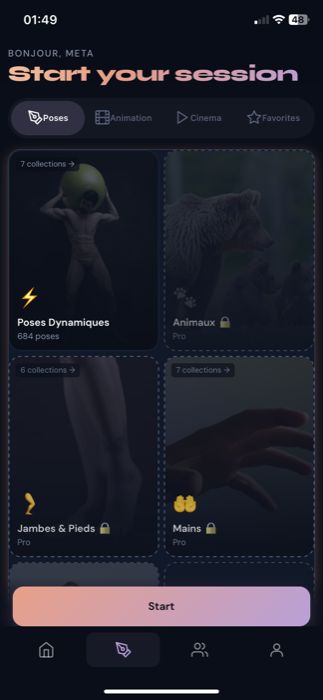
30 seconds to 10 minutes. Progressive mode to alternate speed and precision in a single gesture drawing session.
Bodies, hands, feet, faces, animals, dynamic poses. Real studio models. New life drawing photos added every month.
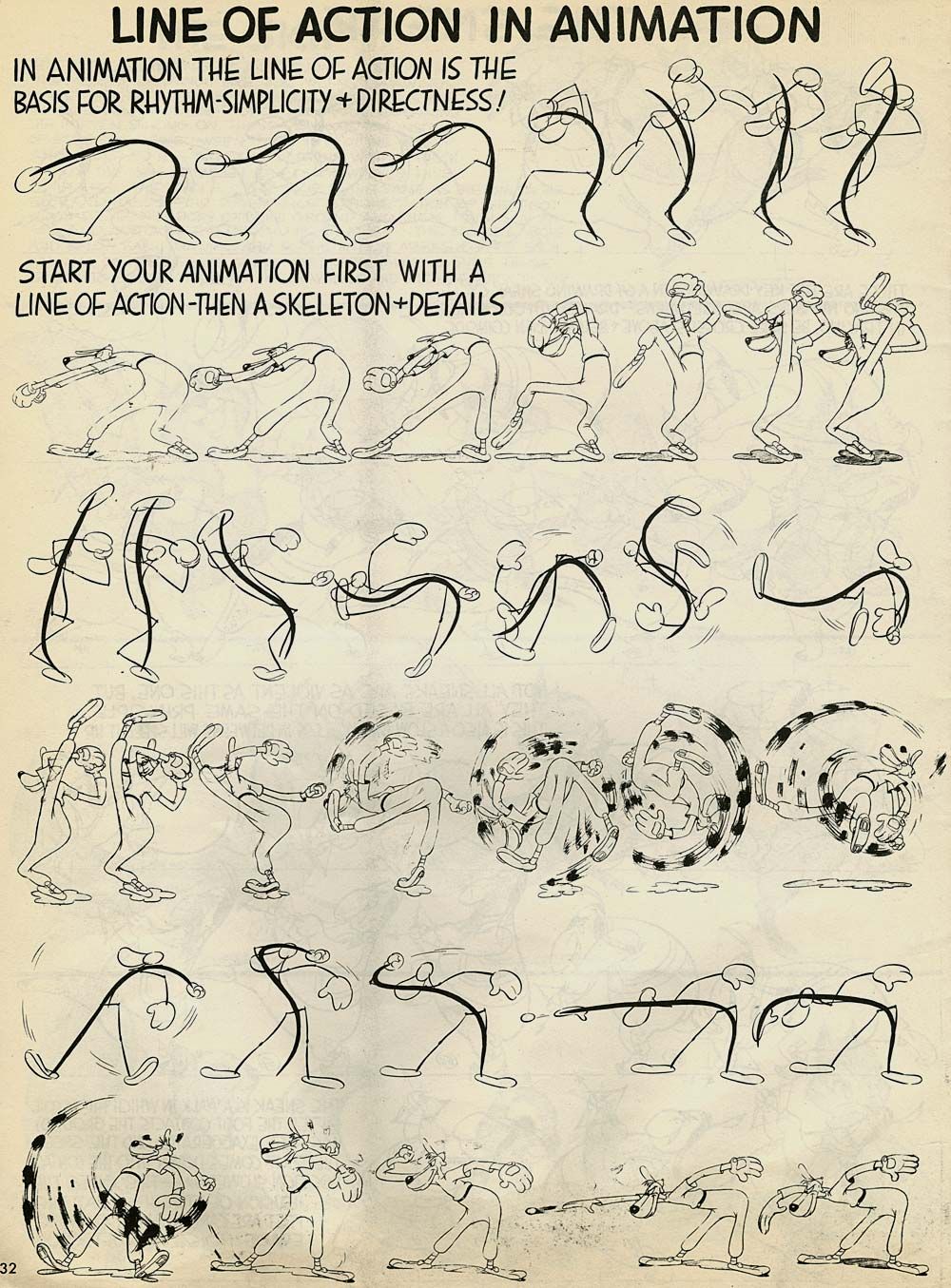
Frame-by-frame sequences to study the line of action and body movement. Ideal for anatomy practice. Pro exclusive.
Ready to draw?
Free forever, everything included. Works offline.
Frequently asked questions
Figure drawing is the practice of drawing the human form from life or photo references. It develops your understanding of anatomy, proportion and gesture. Short timed studies (30 seconds to 10 minutes) train you to capture the line of action quickly, which is the foundation of strong figure work.
Gesturo is a native app (not just a website) with exclusive studio-shot pose references, a built-in timer, favorites, an animation mode and an artist community. As a Line of Action alternative, it offers a curated catalog, offline use and a daily figure drawing session designed to keep you consistent.
Yes. Pose packs are downloaded the first time you open them. After that, you can practice life drawing fully offline, anywhere, with no connection required.
Figure drawing is the broader practice of drawing the human form, often with longer studies focused on proportion and anatomy. Gesture drawing is a subset: very short timed sketches (30 seconds to 2 minutes) that capture the line of action, movement and energy of a pose. Gesturo supports both, from 30-second gestures to 10-minute studies.
Yes. With 1,900+ real-model pose references across bodies, hands, feet, faces, animals and dynamic poses, Gesturo gives you the visual library you need for serious anatomy practice. The animation mode lets you study how a single body moves frame by frame.
Over 1,900 pose references across 7 categories (bodies, hands, feet, faces, animals, dynamic poses, academic nudity), plus 12 cinema films and animation sequences for movement study. New photos are added every month. A great Quickposes alternative and Croquis Café alternative for serious daily practice.
Yes, completely free. The whole catalog, every mode, every tool. No paid plan, no in-app purchase, no advertising, no locked feature.
Your free account saves your streak, history, favorites and moodboard, and syncs them across Mac, PC, iPhone, iPad and Android. It is also what gives you access to community challenges. No credit card is asked.
Yes. Gesturo is available natively on macOS (Apple Silicon and Intel), Windows 10+, iPhone, iPad and Android. Your account, streak and favorites sync across all your devices.
Everything is free. All of it.
No Pro plan, no trial that expires, no locked feature. The full catalog and every mode are open from your very first session.
- Full catalog (1,900+ poses)
- Every category (hands, animals, nudity...)
- All packs, anytime
- Configurable timer and progressive mode
- Cinema & Animation modes
- Study tools (mirror, grid, rotation)
- Favorites & moodboard
- Streak, history and 18 badges
- iOS widget (pose of the day)
- Community challenges and drawing sharing
- New photos every month
- All future updates
An account is all it takes. It saves your progress and syncs it across every device.
Why is it free?
Gesturo started from a gap: I wanted to practise life drawing every day with no studio nearby. Charging for the tool would have betrayed the original idea. So it is open to everyone, and it will stay that way.
Join the artist community.
Updates, challenges, artist feedback. Stay in the loop.
No spam. Just Gesturo updates.